
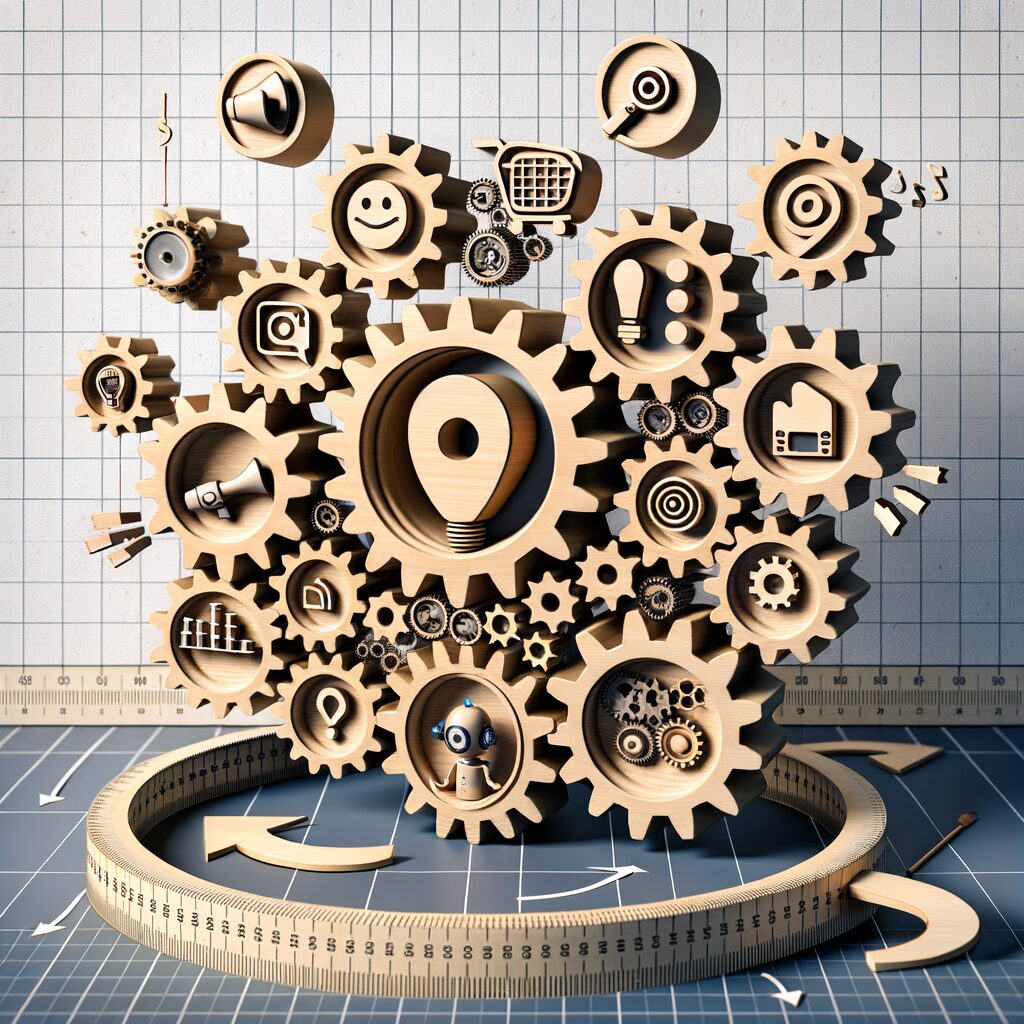
Automate Creative — Using AI to Generate, Test, and Iterate Marketing Creatives at Scale
Your inbox is a battlefield: last-minute creative requests, a designer swamped with revisions, and a campaign launch clock that never waits. Every hour you lose to manual creative production is ad spend flowing into the void—banners that mute your message, headlines that fall flat, videos that never get seen. That visceral grind is what drives teams to hand over creative volume to generative AI and simple automation. But the real gain isn’t just speed: it’s the ability to systematically generate, test, and refine dozens — even hundreds — of creative variants without blowing the budget.
Below is a practical, tool-agnostic playbook that walks you from objectives to iteration, with governance guardrails and a compact week-long workflow your small team can implement.
- Start with an objective and unambiguous KPIs
Before prompting an AI, decide what “better” looks like. Is the goal to improve click-through rate for prospecting, lower cost-per-acquisition for retargeting, or increase conversions on a single landing page? Choose one primary KPI and two secondary metrics (for example: primary = conversion rate; secondary = ad CTR and time on page). Keep the decision simple — this prevents creative sprawl and makes A/B tests actionable. - Assemble your AI toolbox (copy, visuals, and orchestration)
You don’t need every shiny tool — combine one strong LLM for copy, one visual generator for images, and a low-code automation layer to stitch everything together.
- Copy: Use an LLM tuned with your brand voice (prompt templates for headlines, body, CTAs).
- Visuals: Use an image/video generator that supports style and aspect ratio outputs you need.
- Orchestration: Choose a low-code platform (Zapier, Make, or open-source n8n) that can manage creators’ inputs and push variants to ad platforms or CMS.
Focus on interoperability: your tools should export metadata (prompt, model version, style tokens) so later you can trace what worked.
- Build a prompt library and templates for brand control
Creative chaos happens when everyone prompts differently. Standardize:
- Heads: three headline lengths (short, medium, long).
- Body: one benefit-led variant, one social-proof variant, one urgency-driven variant.
- Visuals: color palettes, compositional rules, and a few approved stylistic anchors (e.g., “close-up product shot, warm lighting, minimal text overlay”).
Store these templates in a simple sheet or a shared prompt repository. Require the AI to inject brand-approved phrases and legal disclaimers where needed. This keeps automated creativity from drifting into off-brand territory.
- Low-code workflows to spin up variants
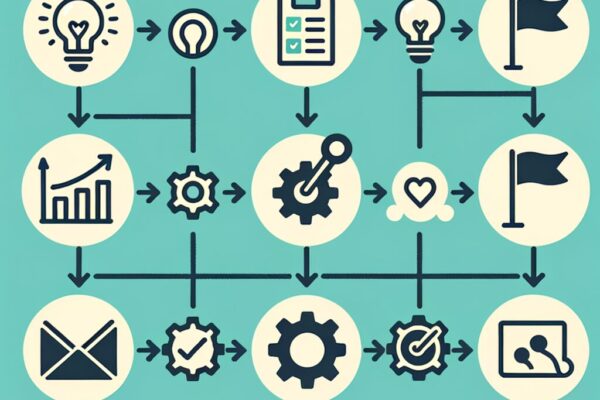
Design a workflow that accepts a campaign brief (objective, audience, tone) and outputs a batch of creative bundles (copy + image/video + landing variant). Steps:
- Input: Campaign brief + audience segment.
- Generate: LLM produces 5-10 copy variants using the templates.
- Visuals: Visual generator produces matching imagery/video for each copy style, using consistent style tokens.
- Bundle: Automation pairs copy and visuals into asset bundles and names them with metadata tags (audience, headline type, visual style).
- Export: Push bundles to a staging folder, ad manager, or approval queue.
This is the mechanics of scale. Instead of one designer producing one banner, your pipeline spins up dozens of hypotheses overnight.
- Automate A/B deployment and data collection
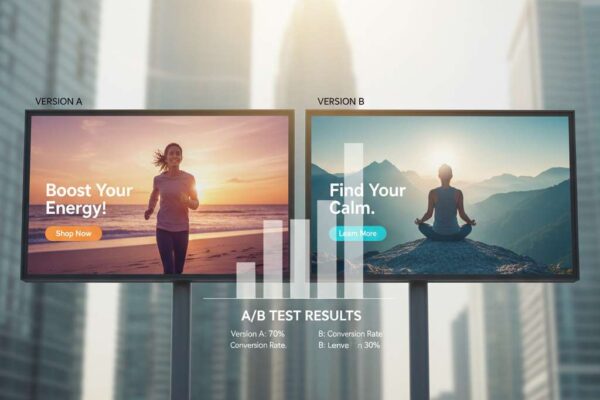
Use your ad platform’s API with your orchestration tool to create controlled A/B tests. Define allocation rules (equal split across variants for initial exploration) and attach the tracking pixel + UTM parameters that map returns to the asset metadata created earlier. Automate the collection of engagement metrics into a single dataset — impressions, clicks, conversions, and landing behavior — tagged to each creative variant. - Use AI-powered analysis to recommend next iterations
Once enough data accumulates, feed the results back into an analysis pipeline. An LLM or a simple analytics model can:
- Identify top-performing creative patterns (e.g., “short headlines + lifestyle imagery outperform benefit-heavy headlines”).
- Flag underperformers and suggest concrete changes (swap CTA, increase image contrast, shorten copy).
- Cluster variants to reveal unexplored combinations worth testing.
This is where the loop closes: the system not only spins up hypotheses but reads the results and proposes the next round of creatives.
- Governance — keep brand, legal, and quality in check
Automation can race ahead of control. Implement these guardrails:
- Brand guardrail file (voice, dos & don’ts) that is injected into every prompt.
- Human approval gates for any live creative that contains product claims or regulated content.
- Versioning and provenance (save prompts, model versions, timestamps) for auditability.
- Automated content filters to catch sensitive topics or personal data leaks.
- Access control so only approved users can push assets live.
- Expected time and cost savings (realistic framing)
You shouldn’t expect magic, but you should expect meaningful efficiency. Many teams move from weeks-long creative back-and-forth to a cycle measured in days. Budget that used to buy one visual can now buy many variants and tests — which often leads to better allocation of ad spend because you’re testing more intelligently rather than just throwing money at a single “perfect” creative. - Compact week-long example workflow (tool-agnostic)
Day 1 — Objectives & templates: Set primary KPI, create prompt templates and a brand guardrail file.
Day 2 — Prompt tuning: Create headline/copy families and visual style tokens; test a few prompts to refine quality.
Day 3 — Batch generation: Produce 20 copy variants and 20 visuals; pair into 15 bundles.
Day 4 — Workflow setup: Build or configure the low-code pipeline to tag, package, and push bundles to an ad manager or staging area.
Day 5 — Deployment: Launch controlled A/B tests, ensure tracking and metadata are intact.
Day 6 — Collect & analyze: Aggregate results into a single dataset and run an AI analysis.
Day 7 — Iterate: Apply AI recommendations, human-review top candidates, and launch the next test wave. - Final practical notes
- Start small: pilot one campaign, one audience segment, and one channel. You’ll learn the failure modes without risking major budget.
- Keep humans in the loop: automation speeds things up — human judgment keeps quality and compliance intact.
- Track experiments like code: document what you changed and why so learnings compound.
If you want to accelerate this process without building everything from scratch, partner with specialists who understand both marketing and machine workflows. MyMobileLyfe can help businesses use AI, automation, and data to improve their productivity and save them money. Visit https://www.mymobilelyfe.com/artificial-intelligence-ai-services/ to explore how to set up scalable creative pipelines, governance frameworks, and analysis systems that turn creative chaos into repeatable results.
















































































































































Recent Comments